Back to features
Managing data

Core platform

Core platform

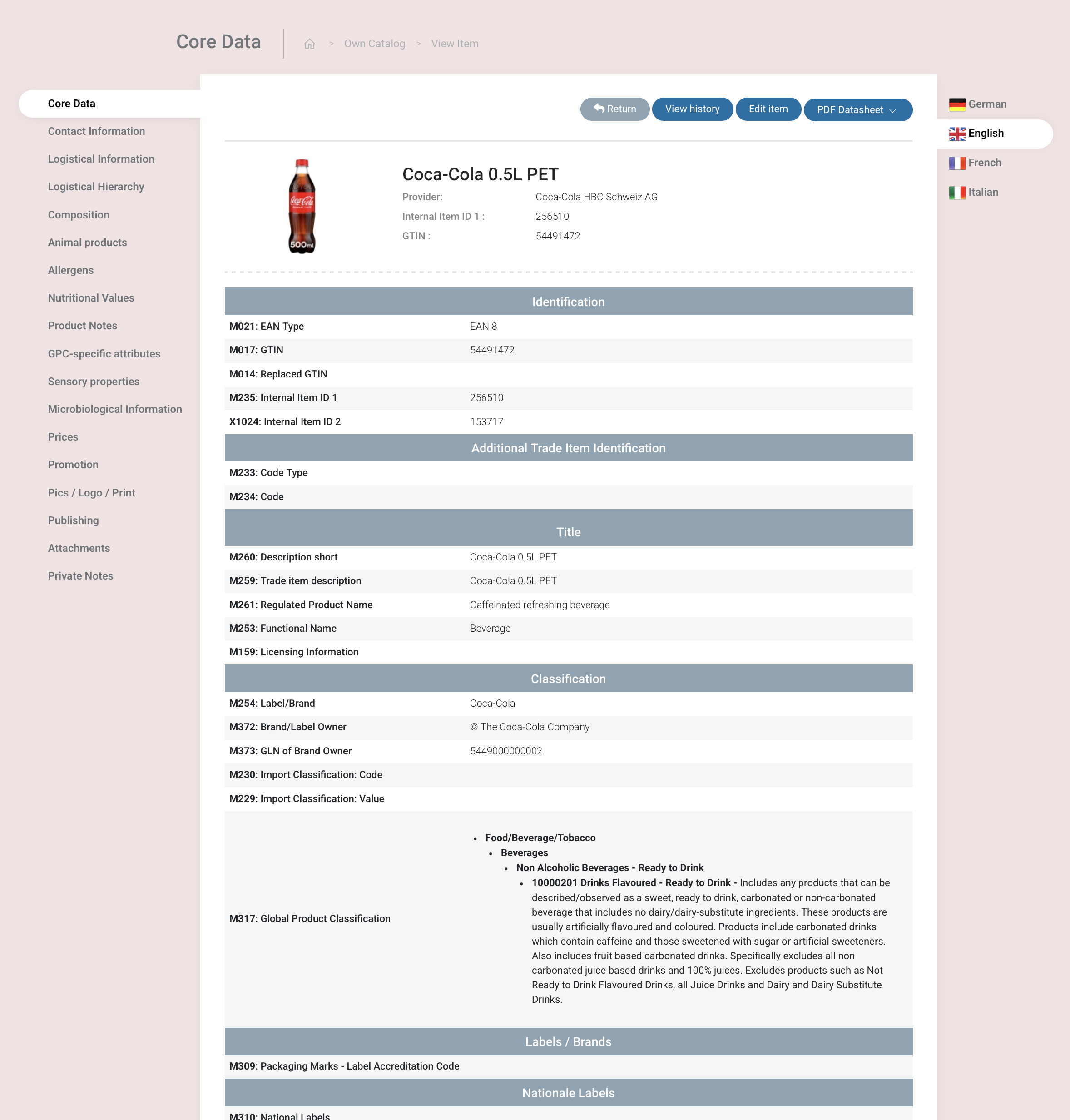
Entering data (own catalog)

You can build your own catalog (containing your own product-data) through several different ways:
(Predefined) item passport - public sharing links
  • Manual input: Via the UI you are able to access your own catalog.
  • Excel import: One can use the xyxle standard xls format to import data. PLS be aware that the existing xls import forces you to fallow the standard provided by xyxle. Starting from approximately September 2025 you will be able to map whatever xls for an import (this will be released with the channels feature)
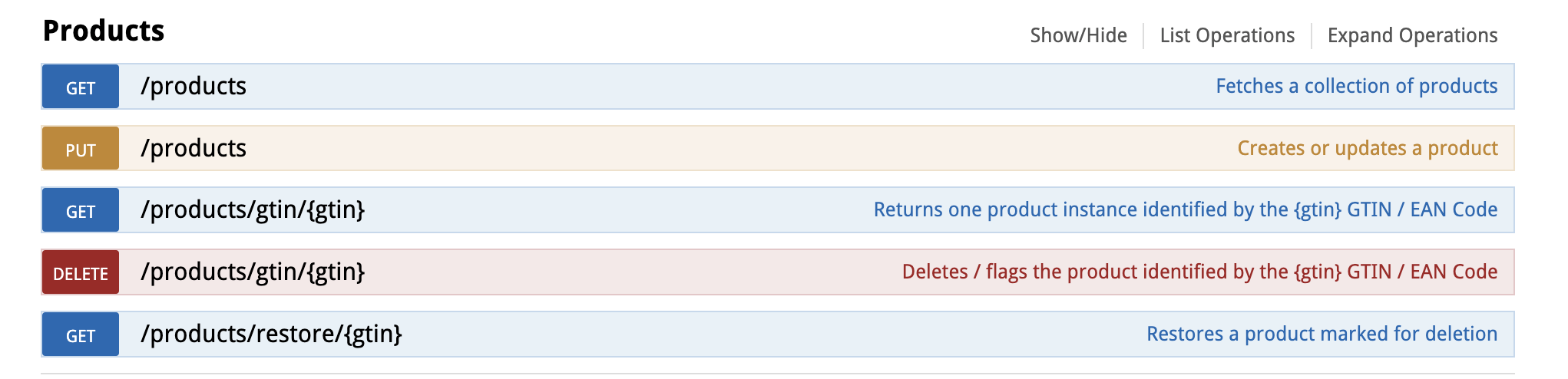
  • REST: Via the xyxle standard REST one can upload and download information to the platform. The documentation you can find here. On the top right of the documentation you will also find the link to the code lists in use. https://api.xyxle.com/docs/, https://api.xyxle.com/docs/code-list  

Managing own catalog

Manage items

In the basic version, one has the possibility to manage its data via simple sort and filter function.

  • Sort: according date (generated, last modified)
  • Item search (product title, GTIN, internal ID)
  • Within Item field search (field description, field code)
  • Items status (DRAFT, finalised)
  • Typ of item (base item, bundles)
  • Product groups

Ease of use

xyxle offers a intuitive UI which allows easy editing and enrichment of product data.
User management

  • Number of users: xyxle allows you an unlimited amount of user.
  • Roles: different roles are predefined or own roles could be defined. This roles could be assigned to users.
  • Productgroups: It is also possible to assign items to groups and give users access to specific groups.
  • Security: to increase security who to access the own catalog, 2FA could be enabled.

(Predefined) item passport - PDF

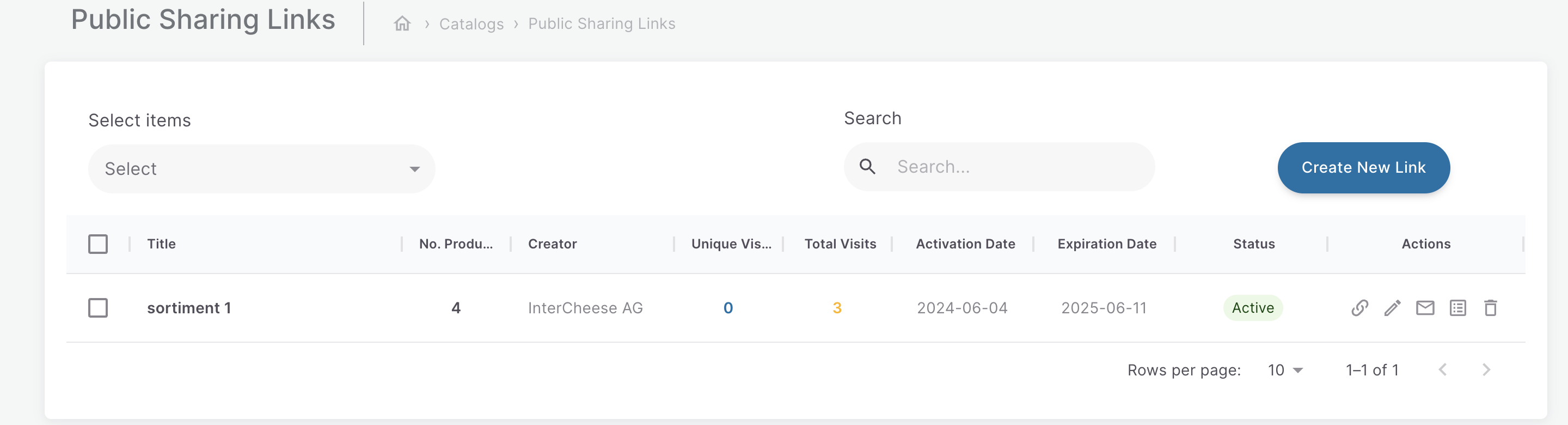
(Predefined) item passport - public sharing links
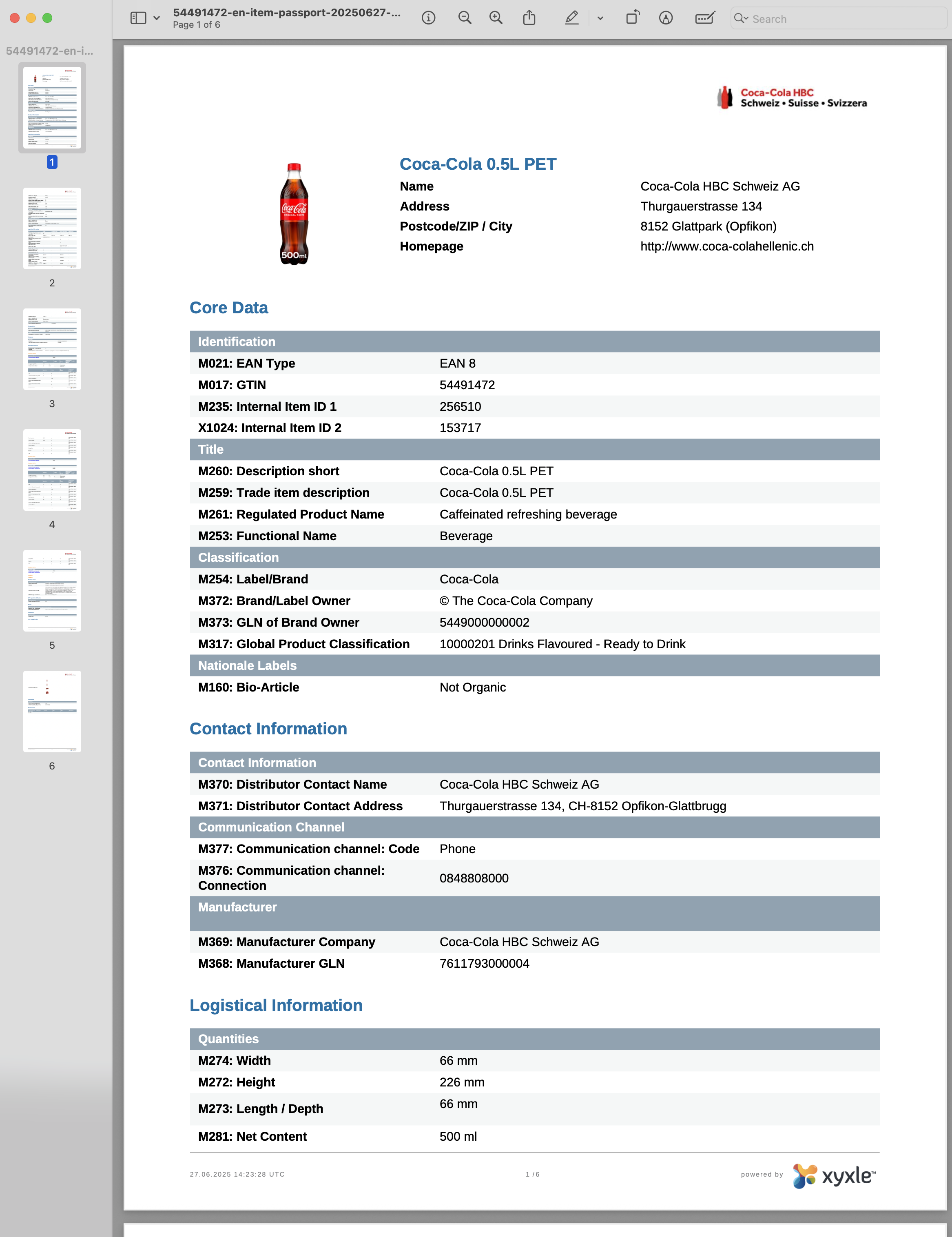
  1. Human-readable product information: generate human-readable product information in PDF format.
  2. Easy distribution: distribute PDFs easily within departments or to partners.
  3. On-demand generation: generate PDFs anytime, including from public sharing links.

(Predefined) item passport - public sharing links

Building from scratch

Months of requirements gathering and design
High development & maintenance costs
Endless custom mapping for each new partner/channel
Risk of schema drift and undocumented exceptions
Separate validation engines to develop

xyxle’s out-of-the-box model

Instant startup with industry-proven GS1 schema
Included in your subscription—zero IT overhead
Pre-mapped fields for 400+ retail and GDSN networks
Automatic updates as GS1 standards evolve
200+ built-in checks guard data quality from the start

This tool will enable you to share your entire  catalog or select specific products and share links with your partners, even if they have not yet joined the  ecosystem.
Excel interface

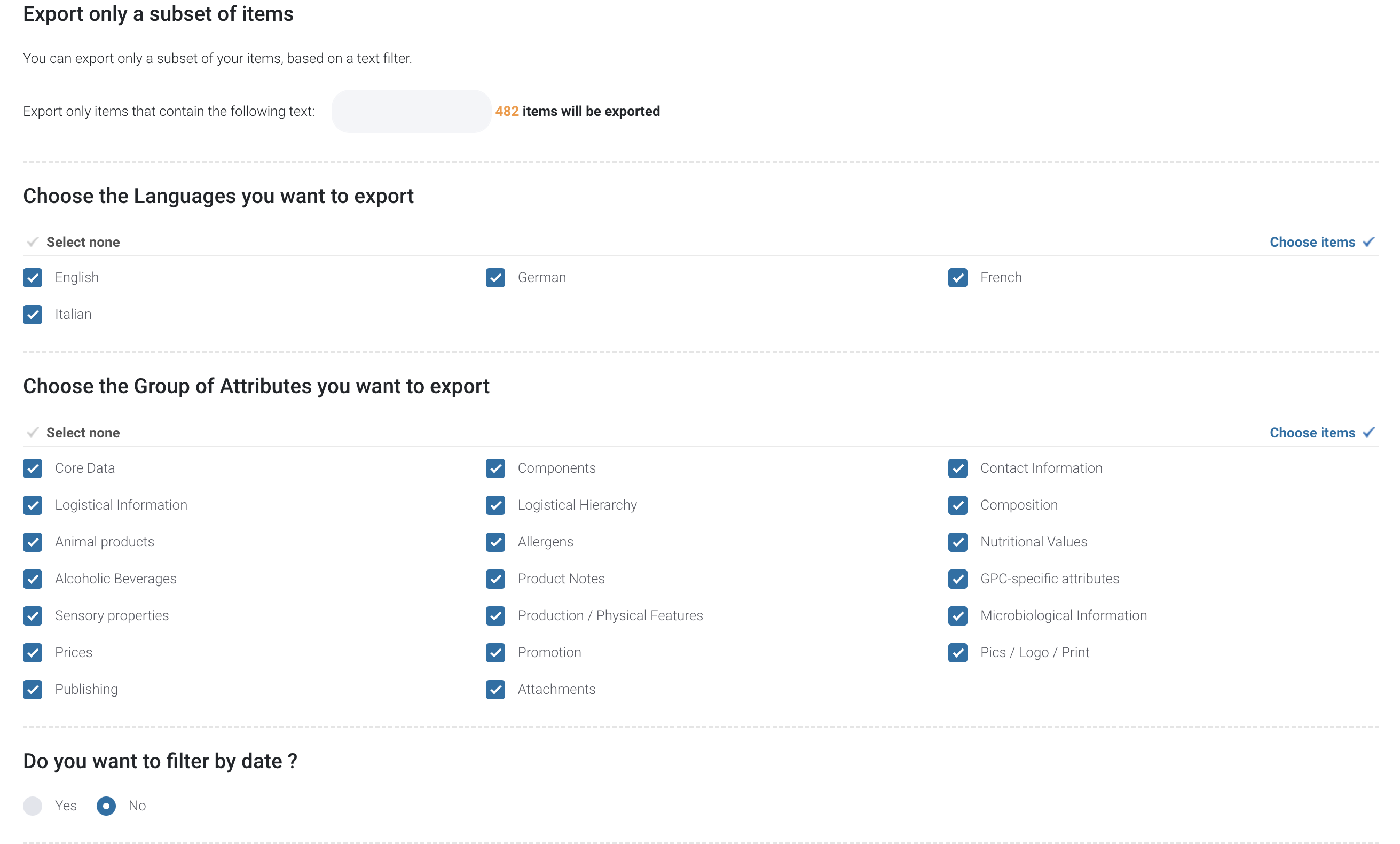
  1. Quick data review: check relevant data quickly, leveraging Excel’s renowned ease of use.
  2. Mass product information updates: export data, make modifications in Excel, and import it back into .
  1. Easy distribution: distribute data in an easy-to-digest format, ensuring compatibility and fast integration with your other systems.

REST interface

Use our Rest API to fetch product data, allowing your team to focus on displaying the information on the website.

The documentation you can find here. On the top right of the documentation you will also find the link to the code lists in use.
CIN interface

Our export interface facilitates the seamless creation and transmission of GS1 CIN (Catalog Item Notification) files, ensuring accurate and compliant data synchronization within the GDSN network. With customizable mappings and error handling, it simplifies the process of exporting product information to meet GS1 standards.

Let’s move your product experience to the next level.